Insight
Framer vs WordPress: Which Is Better for B2B Websites?
A practical comparison of Framer and WordPress for B2B marketing teams choosing a platform they can build, update, and maintain over time.
By
Alex Ran
·
8
min read
·
Last updated:
Key takeaways
Both can support serious B2B websites, but they take very different approaches. Framer combines design, CMS, hosting, security, and publishing in one platform, while WordPress gives you more control over the underlying stack.
Framer is usually faster and cheaper to build for a typical B2B marketing site. In our experience, a comparable 5–20 page WordPress build can require substantially more implementation and setup time.
Framer is easier for marketing teams to run after launch. Layout, component, and responsive changes can usually be handled with less technical knowledge.
WordPress can cost more to keep running. Hosting, plugins, backups, security, updates, and technical maintenance all sit outside the core open-source software.
WordPress has the higher flexibility ceiling. It is the stronger option when you need custom application-like functionality, specific plugins, or full control over hosting and infrastructure.
For most growth-stage B2B marketing sites, Framer is usually flexible enough without carrying the same maintenance overhead.
Framer and WordPress can both support serious B2B marketing websites, but they are quite different platforms with their own pros and cons.
WordPress offers more flexibility and a older, larger ecosystem. It can support everything from marketing site to ecommerce, memberships, and even custom applications.
Framer is more specialized. It is designed for B2B marketing sites, by combinging visual development, CMS, hosting, responsive design, and publishing in one platform, with fewer moving parts to maintain.
For B2B marketing teams, the choice usually comes down to how much flexibility you actually need, how quickly the site needs to change, and how much technical maintenance you have resource to own and want to own after launch.
This guide compares the areas that matter most in practice: build speed, day-to-day updates, hosting, SEO, security, ongoing cost, and flexibility for more advanced features.
Quick glossary
Term | What it means here |
|---|---|
CMS | The system your team uses to manage structured content such as blogs, case studies, and resources |
Theme | The code and templates controlling a WordPress site's design |
Plugin | An add-on that extends WordPress with features such as forms, SEO, security, or ecommerce. |
Component | A reusable website element such as a hero, CTA, pricing table, or carousel |
Managed hosting | Hosting where the provider handles more of the server, security, backups, and WordPress maintenance |
Which is faster and cheaper to build?
For the same B2B marketing website design, we would usually expect Framer dev project to be faster.
A custom WordPress project involves more decisions below the visible design: theme architecture, blocks, plugins, hosting, deployment, caching, and how reusable sections should be built. WordPress has improved substantially here. Its Block Editor and Site Editor let teams build pages visually, while synced Patterns can create reusable sections.
Framer design UX is designed for the final marketing website. Responsive layouts, CMS, styles, components, hosting, and publishing live in the same product.
For the 5–20 page B2B sites we typically work on, that can mean 3-5 times less implementation hours and a shorter path from approved design to launch.
As a rough example, a Framer build that takes 3–5 weeks may require 10-20 weeks setup in WordPress when the same project needs a custom theme, reusable section system, plugin configuration, hosting, and deployment.
For more context on project budgets, see our guide to what a Framer development project should cost.


Which is easier to update after launch?
For content updates, both are good.
WordPress was built around publishing. Posts, pages, revisions, scheduling, and structured content are mature parts of the platform, and its current editor is much easier to use than older WordPress setups. WordPress publishing and CMS features
For layout and design updates, we generally would recommend Framer to our clients.
A marketer can visually adjust stacks, spacing, breakpoints, component variants, and page sections without needing to understand the theme or plugin architecture underneath.
WordPress can offer the same level of freedom, but the experience depends heavily on how the site was built. One site may use native blocks, another Elementor, another a custom theme, and another a mix of plugins and custom code.
That flexibility is powerful, but it also means the editing experience is less predictable.
At New Lemon, one of our main goals is to hand B2B websites back to marketing teams with reusable sections and clear controls. Framer is particularly well suited to that.


How do hosting, SEO, security, and performance compare?
For a normal B2B website, both can perform well and rank well in search.
Framer does well with built-in hosting, automatic image optimisation, server-side rendering, redirects, sitemap generation, and SEO controls. Framer's SEO, managed hosting infrastructure, automatic image optimisation
WordPress gives you more control, but you are responsible for more of the stack. Performance can depend on hosting, caching, database configuration, theme quality, and plugins. All of these will need external support or additional plugins.
Security follows the same pattern.
Framer manages the platform and hosting centrally and holds ISO 27001 and SOC 2 Type 2 certifications, with SSO and role-based access controls available for Enterprise customers. For more detail see Framer's security.
WordPress itself is mature and could be secured very well or badly. It all depends on the manual updates of WordPress core, themes, and plugins. WordPress security guidance
What does each platform really cost per year?
WordPress itself is open source, so there is no software licence fee. But a production website still needs hosting, plugin licences, backups, security, updates, and someone responsible for maintaining the stack.
Framer bundles much more of that into the platform. Framer Pro currently starts at $30/month billed yearly, or $360/year, including hosting, staging, branching, redirects, analytics, and the core website platform. Framer
For a typical B2B marketing website, we would roughly budget:
Annual cost | Framer | WordPress |
|---|---|---|
Core software / plan | $360 | $0 |
Hosting | Included | $400–$4,800+ |
Plugins / security / backups | Usually limited | $300–$1,500+ |
Technical maintenance | Low | 2–5 hrs/month is a reasonable working estimate |
Indicative annual running cost | ~$360–$1,500 | ~$3,500–$13,500+ |
These are New Lemon estimates for comparison, not fixed market prices. WordPress costs vary significantly depending on hosting, plugins, and how much technical maintenance the site needs.
Managed WordPress providers can also charge separately for services such as plugin management, monitoring, security, and performance optimisation. For example, WP Engine currently lists paid add-ons for automated plugin management, monitoring, security, and performance.
Framer can also become more expensive as requirements grow. Additional editors, locales, A/B testing, and Advanced Hosting are paid add-ons.
We’ve broken down Framer's plans and add-ons in more detail in our Framer pricing guide.
For the B2B websites we typically work on, the difference is less about WordPress being “free” and more about how much infrastructure and maintenance your team has to keep paying attention to after launch.
Which gives you more flexibility for advanced features?
WordPress wins on maximum flexibility.
It is open source, has thousands of plugins, supports custom post types and APIs, and can be extended almost like a custom application. WordPress's developer and plugin capabilities
That is valuable when you genuinely need it.
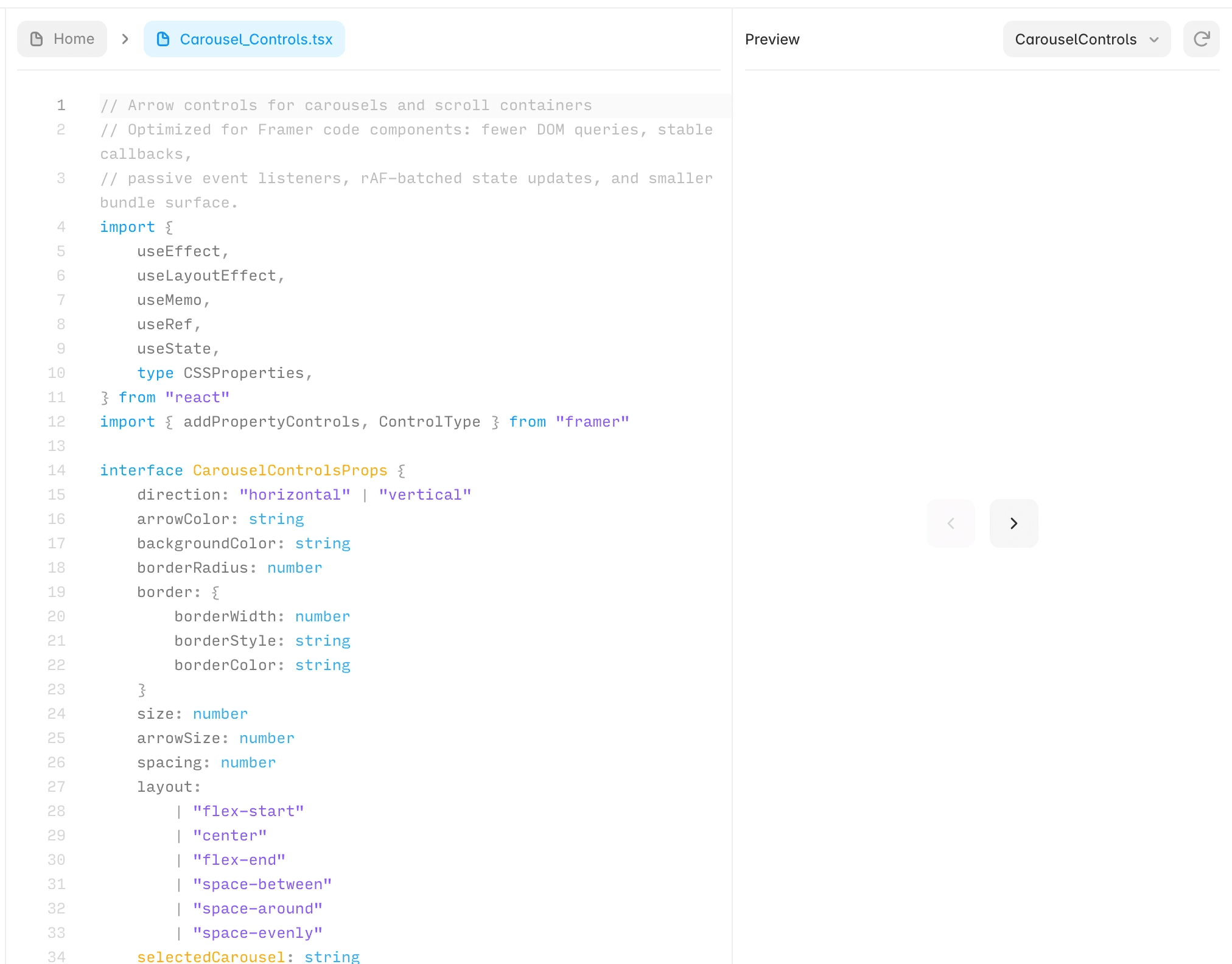
Framer has a smaller ceiling, but that ceiling has moved considerably. You can add ready-made reusable components, write React Code Components, add custom JavaScript, or build integrations. Framer's reusable component system Framer Code Components
Its newer Agents can also generate layouts, interactions, and code directly in the project. External coding agents can build things like ROI calculators, interactive forms, charts, API-driven components, and custom animations. Here’s a more detailed list of what Framer Agents can build
For a B2B marketing team, that changes the economics of small custom features. Something that previously justified a custom plugin or larger development task may now be a relatively small code component.
So when should a B2B team choose Framer or WordPress?
Choose Framer when… | Choose WordPress when… |
|---|---|
The site primarily supports marketing | The website has application-like requirements |
Marketing wants more day-to-day ownership | You already have strong WordPress developers internally |
Fast landing pages and campaigns matter | You depend on specific WordPress plugins |
Lower maintenance overhead matters | Maximum code-level flexibility matters |
You want hosting and security handled by the platform | You want full control over hosting and infrastructure |
Your requirements fit a modern B2B marketing website | The website needs to go well beyond a marketing site |
WordPress remains the more flexible platform. That flexibility has helped it power everything from blogs to complex ecommerce shops for decades.
But flexibility has a cost. If your marketing team does not need that additional infrastructure, Framer is often the simpler choice to build, run, and grow.
For the B2B companies we typically work with, Framer is flexible enough for what the website realistically needs over the next few years, without making the team maintain an entire WordPress stack.
If Framer looks closer to your needs, you may want to look at our guide to whether Framer is the right platform for your B2B website. If you are also considering Webflow, see our Framer vs Webflow comparison.
Not sure which to use for for your B2B website? Book a free discovery call to get us look at your needs and share our recommendation.
More insights


